 TarkovRaidCompass
Support on Ko-fi
TarkovRaidCompass
Support on Ko-fi
TarkovRaidCompass
Support on Ko-fi
TarkovRaidCompass
Support on Ko-fi
TarkovRaidCompass shows your live position on every map the instant you take a screenshot, tracks your quests from your own game logs, and tells you which future quest wants that item before you vendor it. Free, no trial, no card.
It reads the screenshot filenames and log files the game already writes to your own disk, and never reads game memory. Every file it touches and every server it talks to is listed here, with the free tools to check it yourself.
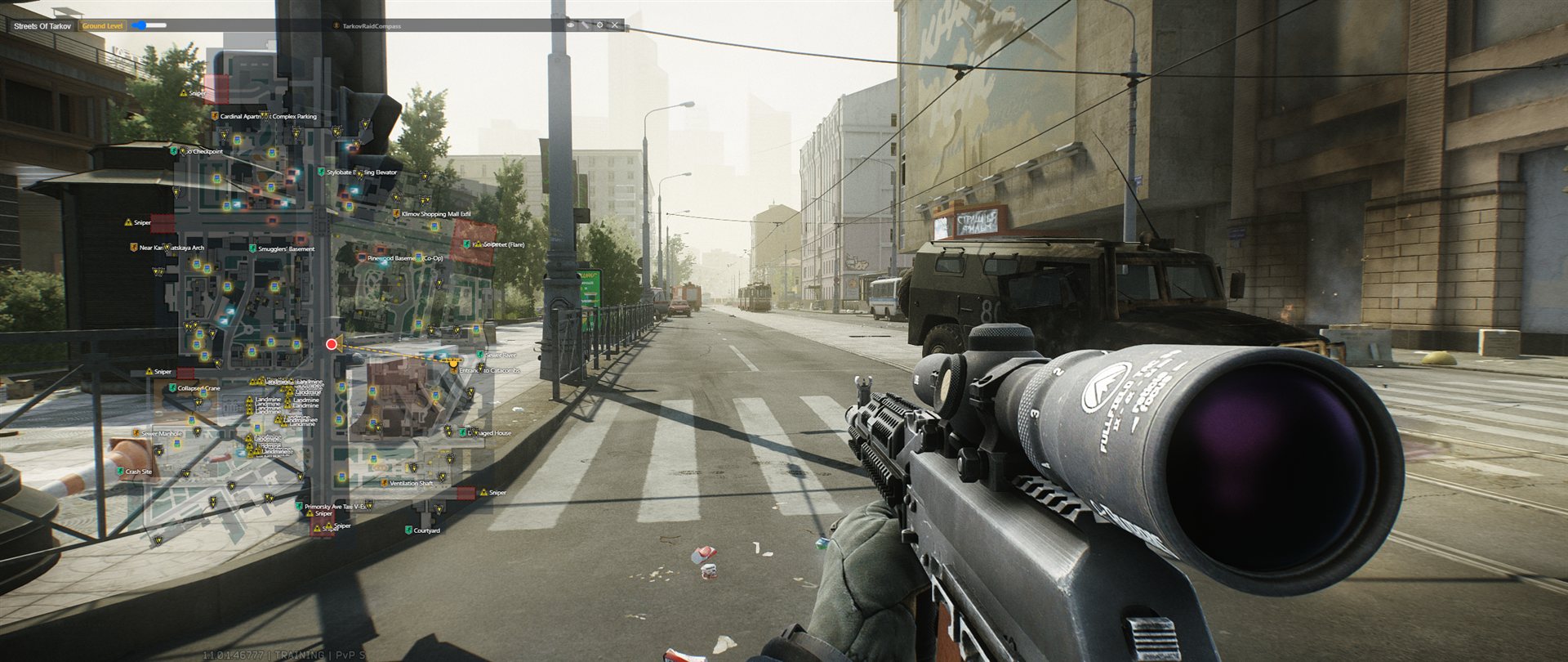
No more tabbing between three separate tools mid-raid.
See your exact spot on every Tarkov map, updated the instant you take a screenshot - your facing direction included, right down to which floor you're on.
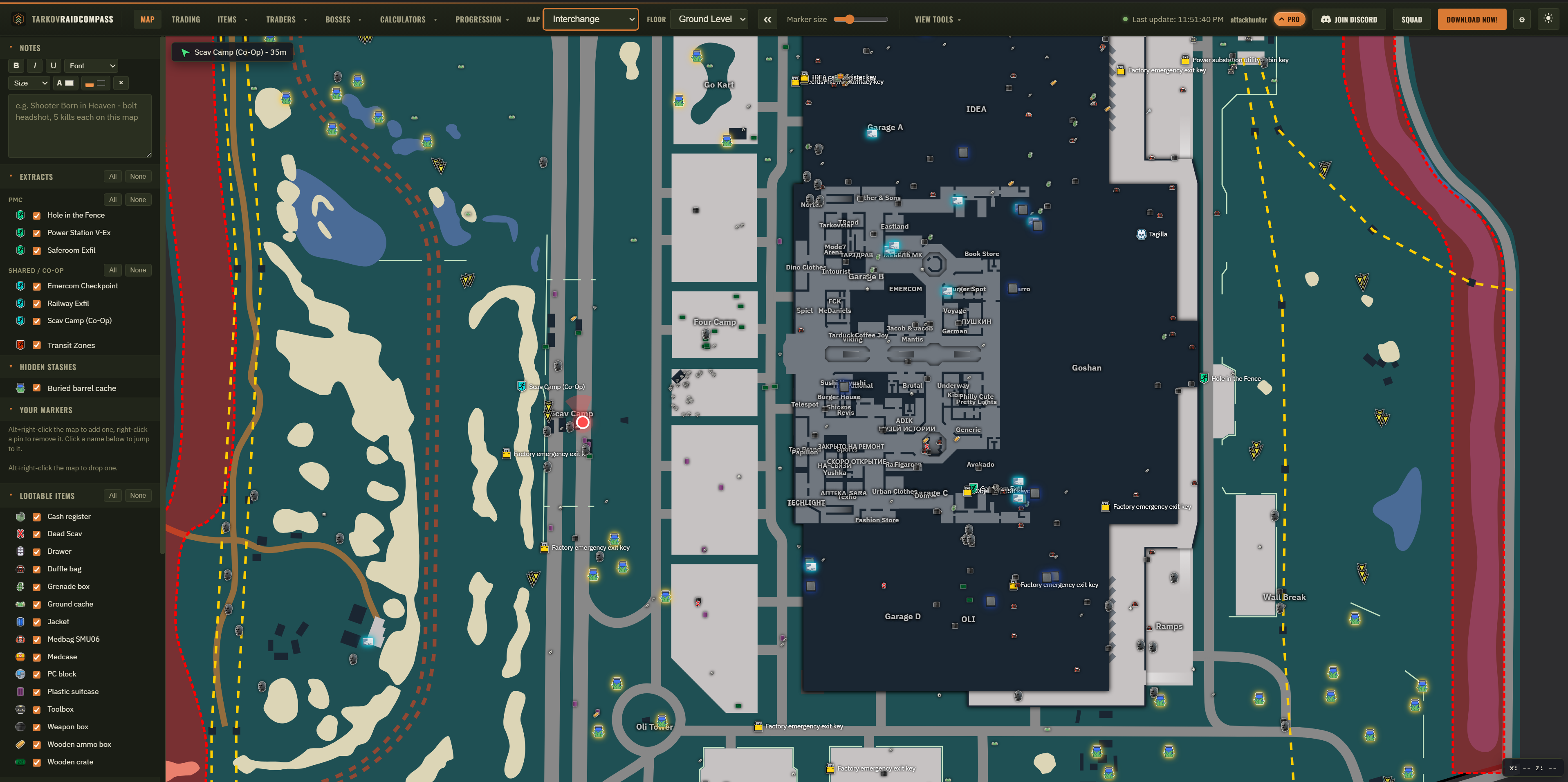
An always-on-top overlay that sits right over the game. Toggle on documents, hidden stashes, and PMC spawns, measure the distance to anything on the map, track the raid clock, or switch on Compass mode to crop and zoom in on your live position instead of showing the whole map - all opt-in, so it only shows what you want.
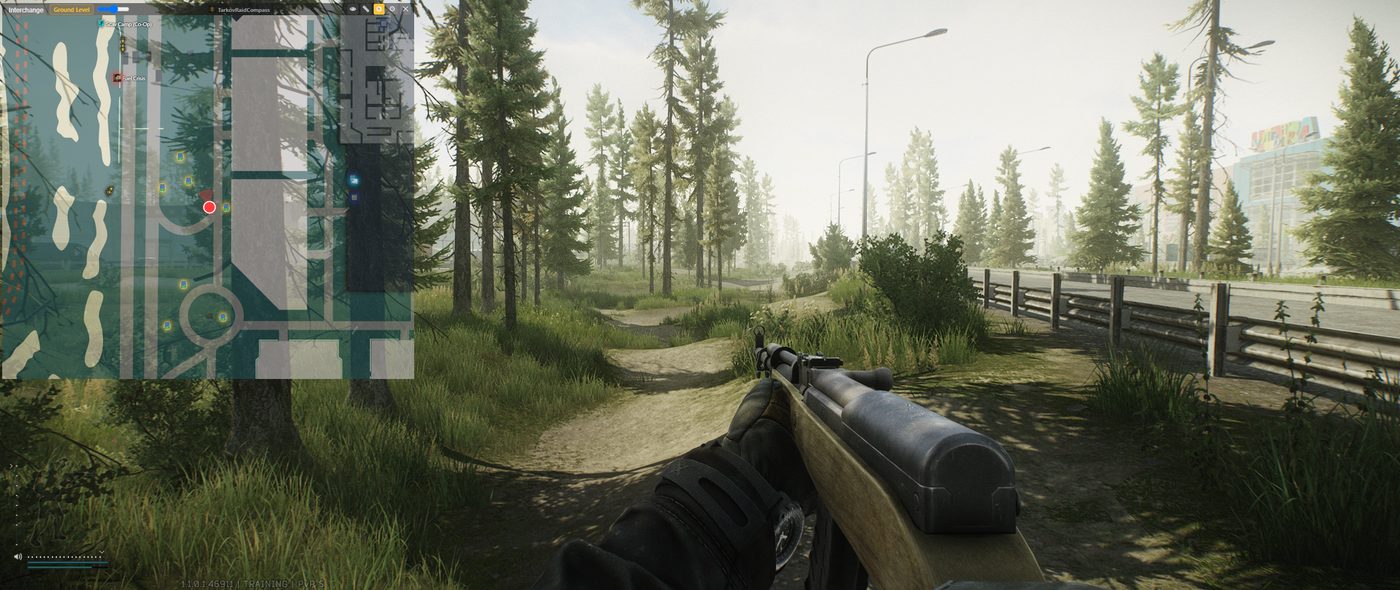
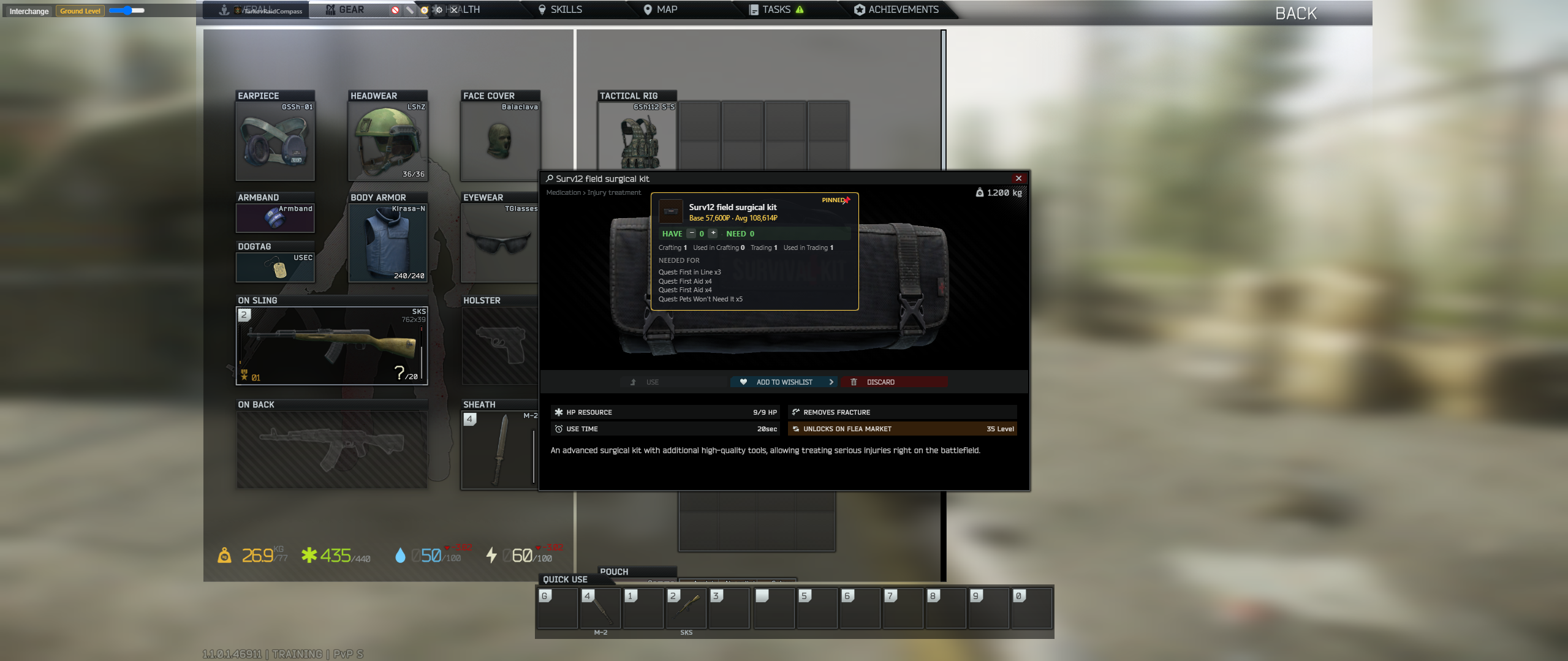
Point at an item, hit a hotkey, and get its flea price, how many you already hold, and which quests want it - including quests you haven't been offered yet. It indexes every task in the game, so you find out you'll need fifteen of something before you eat the first one.
Let the app read your own game logs locally and check quests off as you start them and hand them in. There's a one-time import that picks up quests you finished before you installed it. Prefer to track by hand? Toggle it off and use the Quests page.
Every item your active quests and unbuilt hideout levels need, cross-checked against what you already have. Narrow it to quests only, or to just the things that have to come out of a raid. There's a squad version too, so you can see what your whole party is missing.
Share a party code with your squad and see everyone's last screenshot position and facing direction on the same map. Positions update when each player takes a screenshot.
Items, traders, bosses, hideout requirements, quests, loot tiers, calculators, and wipe-length tracking, all kept current and in one place.
I'm a solo developer - a Lead Technical Developer by day, building this by night. I got tired of hitting paywalls and trial limits on every other Tarkov tracker out there, so I built the one I actually wanted - and I'm not putting it behind one either.
No trial countdown, no card, no catch. If server costs ever become a real problem, I'll ask the community directly - never a surprise bill.
Battlestate's own statement on third-party software puts the breach at anything that lets you "replace, override or modify any existing game client files or data in the memory". TarkovRaidCompass does none of those: it never reads game memory, never injects code, never modifies game files, and never attaches to the game process at all.
What it does read: the coordinates Tarkov writes into its own screenshot filenames, and the log files the game saves to your disk. The optional item lookup also captures a small area around your cursor when you press its hotkey, to read the tooltip - that is the only time anything looks at your screen, and only on that keypress.
The app runs outside the game process and watches a folder on disk. Like any browser or companion app, it uses system resources. Performance depends on your hardware and enabled features.
Yes - every current Escape from Tarkov map is supported, including multi-floor maps and the tile-based maps like Ground Zero, The Lab, and The Labyrinth.
Yes. The mini-map overlay sits on top of the game for a single-monitor setup, and the full site works on a second monitor or phone/tablet - use either or both, whatever fits your setup.
Position updates include coordinates and facing direction extracted from screenshot filenames. Depending on the features you use, the service also receives account details, quest and raid progress, and item lookup requests. Screenshot images are not uploaded for position tracking. See How it works and the Privacy Policy for details.
Update announcements, bug reports, feature requests, and other players talking maps, quests, and loot runs.